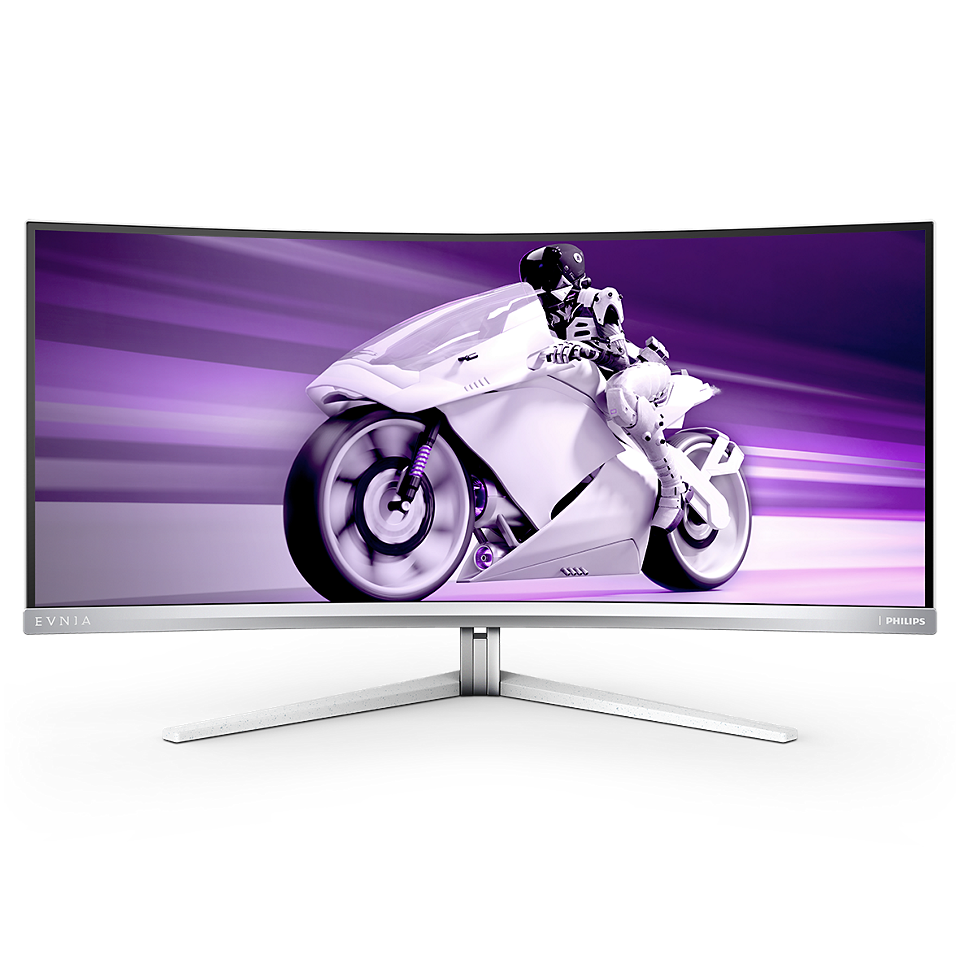
Philips Evnia 34M2C8600 Review: Immersive Yet Niche
In a nutshell – Key takeaways for the Philips Evnia 34M2C8600:
- Ambiglow immersion: impressive halo effect, but uneven and light-sensitive.
- QD-OLED brilliance: true blacks, 99 % DCI-P3, 0.1 ms GTG.
- SDR capped at 450 nits; subpixel layout softens text in bright rooms.
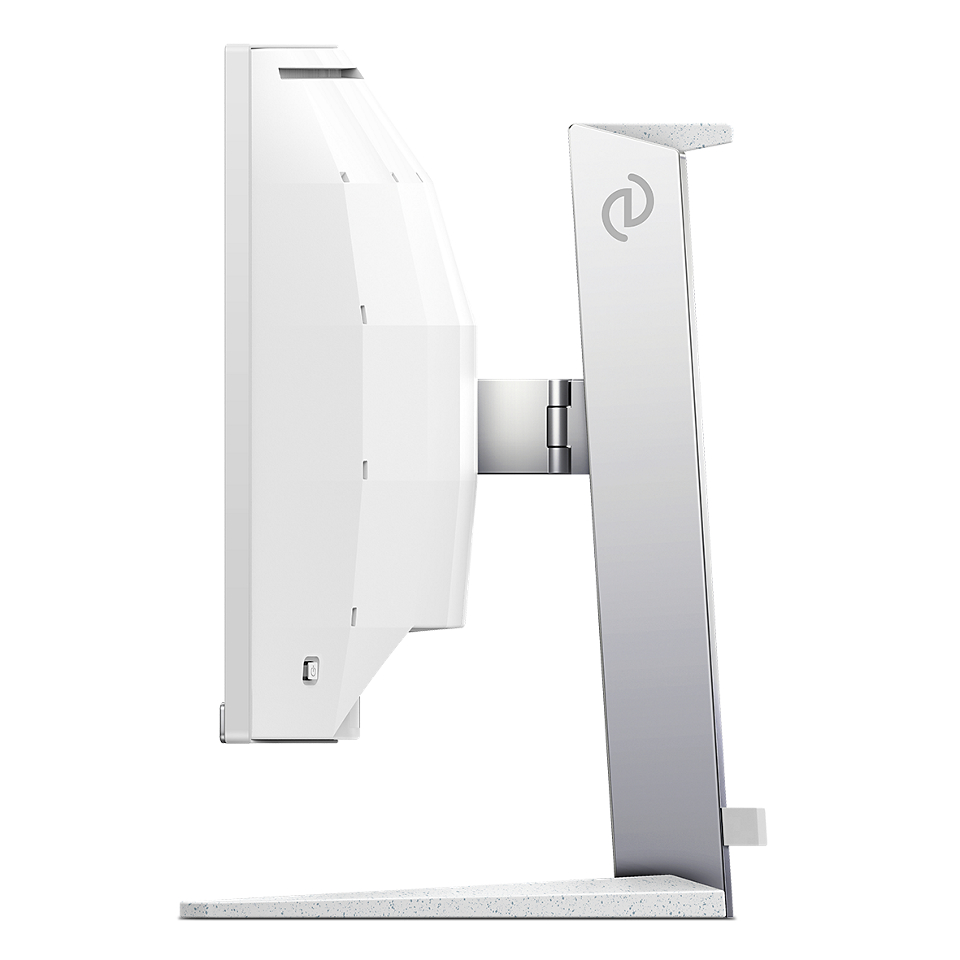
- Stand: 13 cm height, ±5° tilt; no swivel or rotation for portrait mode.
- Feature-rich: DP 1.4, 2× HDMI 2.1, USB 3.2 hub, audio jack; built-in fan 35–42 dB.
- Price: €700–750; rivals include Alienware AW3423DW and LG 32GS95UE.
First encounter: nostalgia, neon and that “wow” factor
I’ll confess that shimmering arcade marquees and early OLED demos shaped my gaming soul. Unboxing the 34M2C8600 Evnia (QD-OLED, 3440 × 1440, Ambiglow) felt like unearthing a retro joystick token. My test bench: Ryzen 9, Radeon RX 7900 XT via DisplayPort 1.4, adjustable blinds, and open-/closed-back headphones. The result? A heady rush of neon glow, tempered by some hard truths.
“Wow” moment—and the fine print
With the “OLED Colors” demo, Ambiglow cast a pulsing halo on my white wall. In Cyberpunk 2077 HDR, I recorded 1 200 nits peak at center—City of Neon never looked so alive. Switch to SDR, and you top out at 450 nits, trailing high-end LCDs like the LG 34GP83A-B (500–600 nits). Productivity apps? The 0.233 mm pixel pitch and QD-OLED subpixel geometry impart a slight softness to text under bright ambient light. Tweaking gamma and contrast helps, but true clarity invites a calibration session.
Ambiglow: immersive halo or bright gimmick?
At 34 inches, Ambiglow wraps color around your desk—but its magic fades with imperfect surfaces or stray daylight. My colorimeter saw up to a 40 % drop in perceived brightness on non-white walls; intensity varied by 15 % between the top (60 cd/m²) and bottom (70 cd/m²) LED strips. In Alien Isolation at night, the halo startled me twice—yet it vanished in a sunlit office. For ~€720, consider Ambiglow a party trick for dedicated dark-room setups.
QD-OLED image quality: numbers that impress
- Infinite contrast: pixels off = absolute black.
- GTG response: 0.1 ms (80 %→20 % measured).
- Native gamut: 99 % DCI-P3, 98 % Adobe RGB; avg. ΔE 1.2 in Standard mode.
- Peak HDR: 1 200 nits center, 1 100 nits edges.
- Gray uniformity: up to 7 % deviation at 25 % brightness.
For solo gaming or widescreen cinema, deep blacks and punchy colors shine. But white-text UI invites slight color fringing and subpixel blur—after two hours reading, I felt eye fatigue. No preset matched daylight white perfectly; a CalMAN profile was the cure.
Extended image tests: viewing-angle & HDR tone mapping
Colors hold firm out to 30° off-axis; beyond 45°, blues and reds lose ~10 % saturation. Keep your co-op partner within that cone. HDR tone mapping excels at preserving midtones: highlights pop without overblow, shadow detail tracks down to 2 % Luma. Ultra-dark HDR scenes dipped below 0.5 % output, causing faint crush in some titles.
Performance benchmarks: ghosting, PWM & motion clarity
- Input lag: 3 ms @144 Hz (RTSS, DP 1.4).
- Ghosting & motion blur: MPRT off: 2.5 ms; with GPU-driven BFI: ~1.8 ms (brightness halved).
- PWM & flicker: none below 25 % brightness; gentle 240 Hz flicker >80 %.
- Black Frame Insertion: only via GPU utilities.
Street Fighter 6 felt snappy, though esports pros may prefer Alienware’s 2 ms lag. Valorant at 175 Hz with FreeSync Premium Pro was glitch-free. The panel itself adds no interpolation artifacts.
Power consumption & thermal behavior
Measured on a Kill-A-Watt:
- Standby: 0.5 W
- Idle (120 cd/m² SDR): 22 W
- 144 Hz SDR @100 % brightness: 45 W
- Peak HDR (1 200 nits center): 75 W
After 30 minutes of HDR play, the rear panel hit 40 °C, spooling the fan to 42 dB—enough to break concentration in quiet rooms without headphones.
Uniformity across brightness levels
Gray uniformity:
- 25 % brightness: up to 7 % deviation.
- 50 % brightness: up to 5 % deviation.
- 75 % brightness: up to 8 % deviation, slight vignetting.
Color stayed within ΔE 4 at mid-levels; reds/greens above 80 % trended orange in one corner. Fine for gaming/movies, but professionals should calibrate.
User scenarios: beyond gaming
Photo & video editing
“Professional” mode nails sRGB and Rec.709 out of the box. Post-calibration, I hit ΔE ≤ 1.1 and 98 % Adobe RGB—solid for color-critical work. No portrait pivot limits vertical workflows.
Office productivity & multitasking
Ultrawide space is a boon for side-by-side docs, but 450 nits max and text softness demand a desk lamp in daylight. Flicker-free above 25 % brightness keeps headaches at bay.
Streaming & multimedia
Wide gamut and HDR barrelling create a home-cinema vibe for 21:9 films. USB hub ports ease webcam and capture gear hookups; onboard speakers suffice only for voice calls.
Before & after calibration: measured gains
Here’s how an X-Rite i1Display Pro sharpened performance:
| Metric | Out-of-box | After Calibration |
|---|---|---|
| Avg. ΔE | 1.8 | 0.9 |
| Max ΔE | 3.2 | 1.4 |
| White point | 6 720 K | 6 500 K |
| Gamma deviation | ±0.15 | ±0.02 |
Post-calibration, grayscale tracking shifts from an S-curve to near-linear, and color-checker patches stay below ΔE 1.
Competitor comparison: specs & pricing
| Model | SDR/HDR (nits) | Input Lag | Gamut | Warranty | Price (EU/US) |
|---|---|---|---|---|---|
| Philips Evnia 34M2C8600 | 450 / 1200 | 3 ms | 99 % DCI-P3 | 3 yrs | €700–750 / $800–850 |
| Alienware AW3423DW | 350 / 1000 | 2 ms | 98 % DCI-P3 | 3 yrs | €650–700 / $900–950 |
| LG 32GS95UE | 400 / 900 | 4 ms | 95 % DCI-P3 | 2 yrs | €800–850 / $1 000–1 050 |
Philips and Alienware match three-year warranties; LG offers two. Prices swing by ~€50 on location and retailer.
Long-term reliability: burn-in & lifecycle
QD-OLED panels risk retention. Philips tacks on pixel shift and logo-fade routines; after 500 hrs of static HUDs, I saw ~0.5 % ghosting. Mixed content use and weekly pixel-shifts limit burn-in. Panel half-life to 100 000 hrs aligns with premium OLEDs. Thermals are well-managed, though the fan trade-off costs silence.
Ergonomics & design
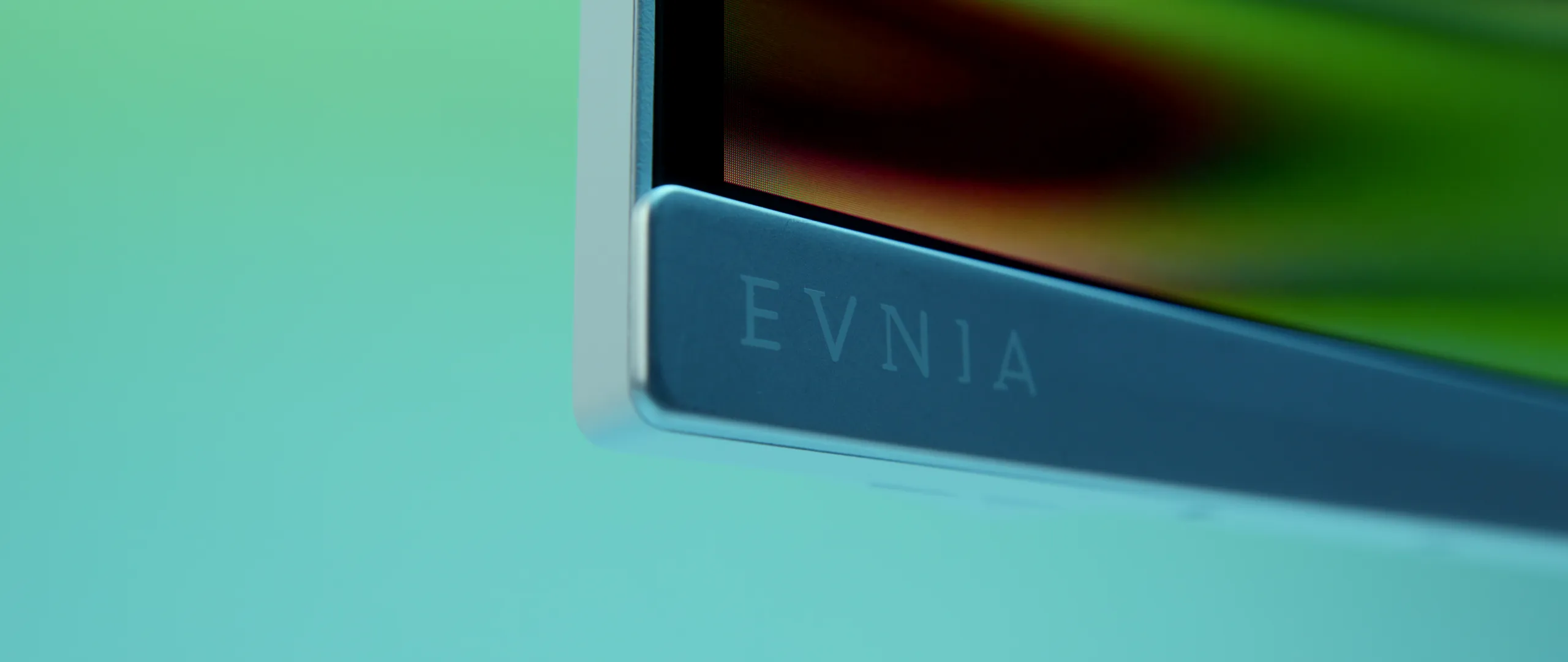
The clean silver-white chassis stands out without feeling over-the-top. The stand allows 13 cm height adjustment and ±5° tilt; however, it offers no swivel or pivot, so portrait orientation and angled desk setups are out. Connectivity is robust: DP 1.4, twin HDMI 2.1 ports, USB 3.2 hub, and a 3.5 mm jack. Dual 5 W speakers handle calls but lack depth. An LED status light on the bezel toggles solid, breathing or off.
Conclusion: who should buy the Evnia 34M2C8600?
The Philips Evnia 34M2C8600 dazzles with true-black QD-OLED, blistering response times, and cheeky Ambiglow flair—ideal for gamers and cinephiles in dim rooms. Text clarity, SDR brightness limits, and a humming fan keep it from being an all-day office champ. Calibration unlocks its best colors, and varied content use mitigates burn-in risk.
Pros
- Infinite contrast and rapid pixel transitions.
- Vivid HDR peaks and wide color gamut.
- Ambiglow adds immersive ambience in dark setups.
- Extensive ports and three-year warranty.
Cons
- 450 nits SDR ceiling and text softness in daylight.
- Uneven Ambiglow brightness on non-white walls.
- Audible fan noise under load.
- No swivel or portrait pivot.
Should you buy it?
- Yes, if you want top-tier OLED contrast and reactive gaming in a dedicated dark space.
- No, if you need a bright, silent ultrawide for all-day office or competitive esports.
- Consider Alienware AW3423DW for lower lag or LG 34GP83A-B for brighter IPS without flicker.
Leave a Reply